We Apologize
The page you were looking for appears to have been moved or replaced. You can visit one of the links below, perform a search on the search bar at the top right of the page or go back to the home page by clicking on the button below.
The page you were looking for appears to have been moved or replaced. You can visit one of the links below, perform a search on the search bar at the top right of the page or go back to the home page by clicking on the button below.
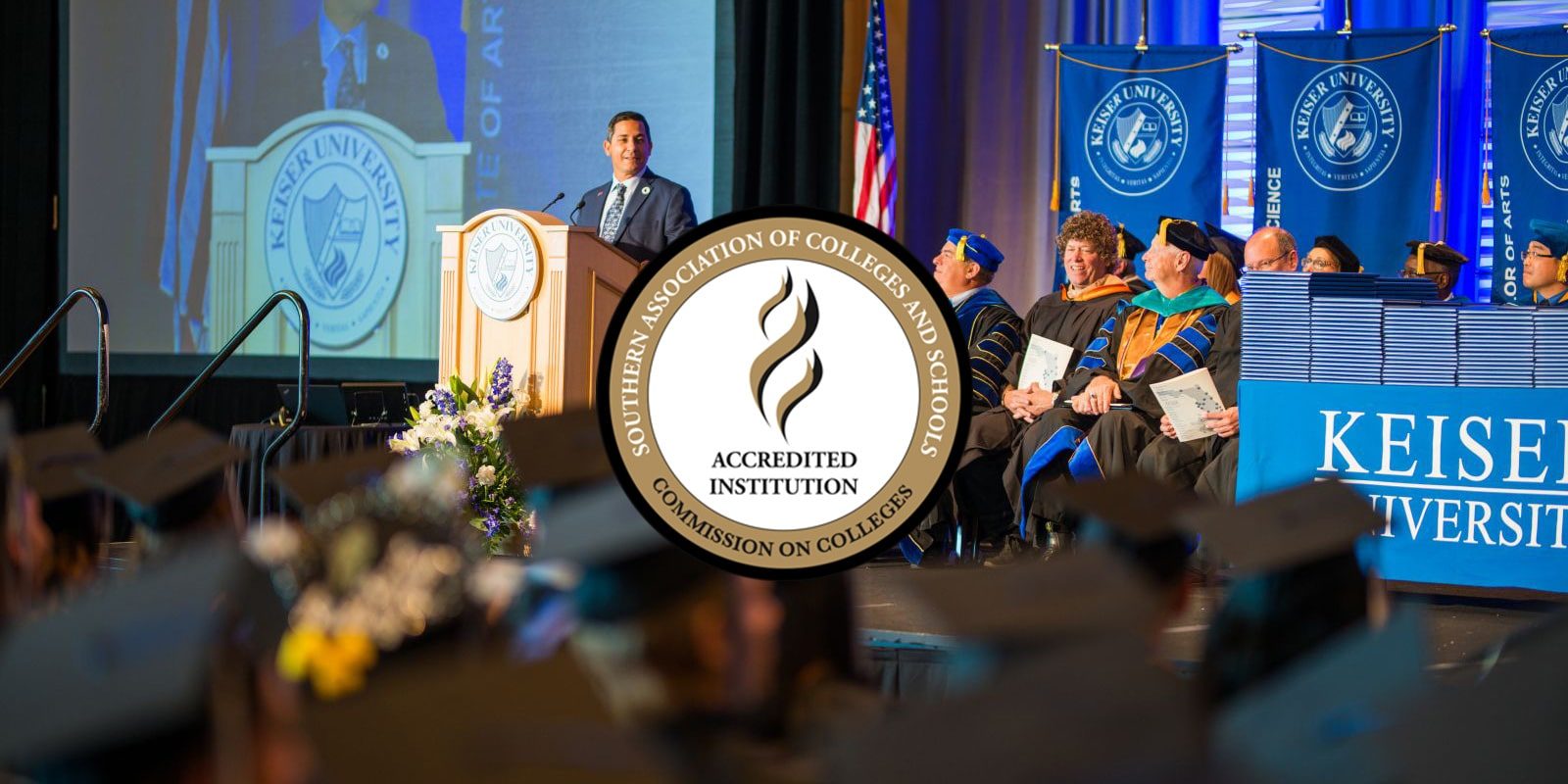 Keiser University is accredited by the Southern Association of Colleges and Schools Commission on Colleges (SACSCOC) to award associate, baccalaureate, masters, educational specialist, and doctorate degrees. Keiser University also may offer credentials such as certificates and diplomas at approved degree levels. Questions about the accreditation of Keiser University may be directed in writing to the Southern Association of Colleges and Schools Commission on Colleges at 1866 Southern Lane, Decatur, GA 30033-4097, by calling (404) 679-4500, or by using information available on SACSCOC’s website (www.sacscoc.org).